Engraving Letters and Artwork with a CNC Router
George Vondriska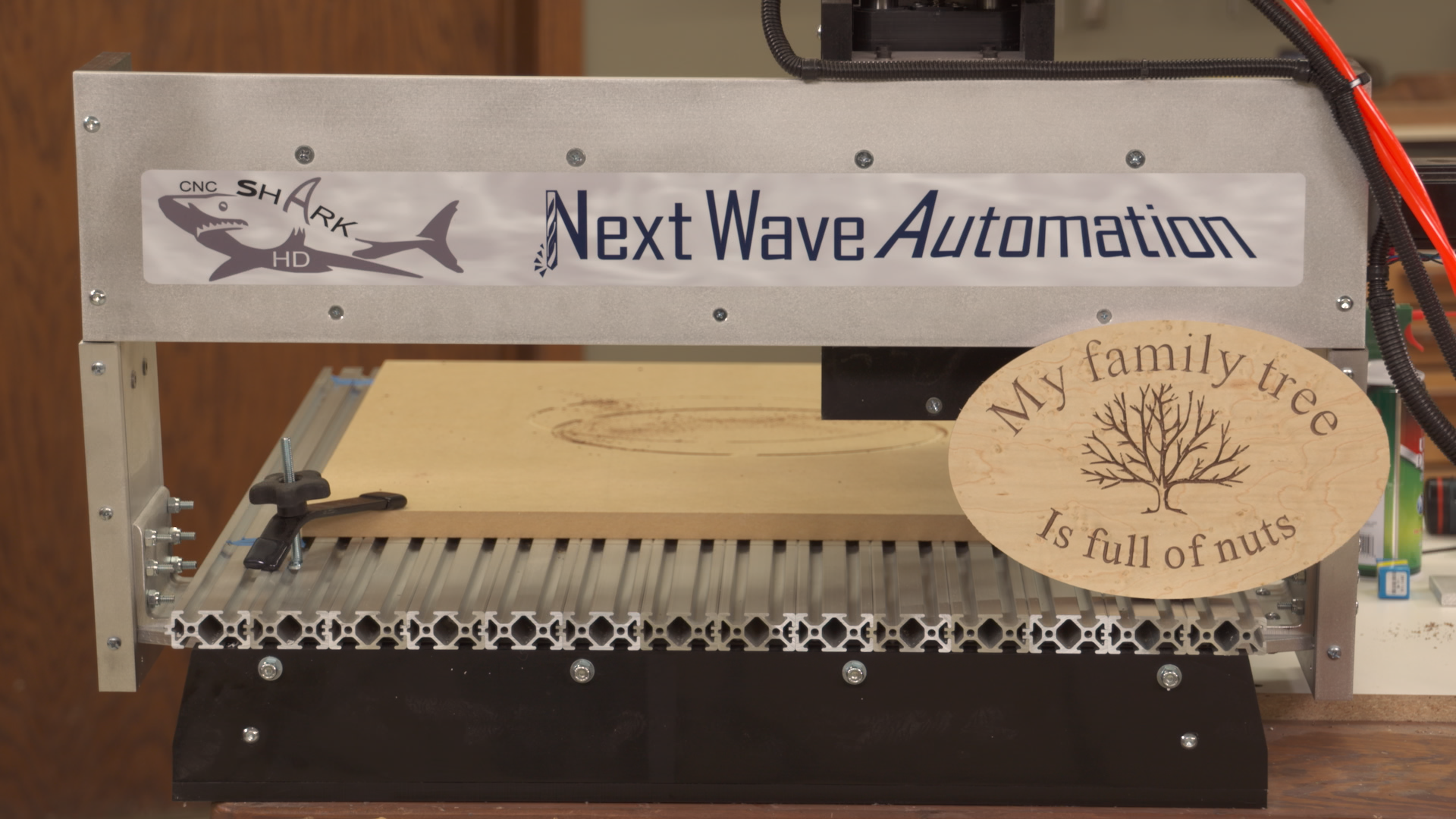
A CNC router provides a great way to do precise engraving of letters and artwork. Getting everything to look great involves properly handling the artwork, and correctly setting up the engraving tool path.
Importing clip art
You can engrave almost any piece of clip art that you find on the web. Importing your clip art into VCarve software is easy; we’ll show you how to do it. Once the clip art is open in VCarve, you’ll learn how to change it to vectors so the CNC router can “see” it.
The lettering
You’ll find a wide array of fonts available within the VCarve software. You’ll learn how to incorporate text in your design, how to bend the text to match a curve, and how to create the engraving tool path to cut the letters.
Creating an oval
Laying out a perfect oval by hand can be difficult, but it’s easy to do the lay out and make the cuts using software and a CNC router. You’ll learn how to create an oval, and how to stretch and shrink it to fit your design.
Through cuts
An easy way to get the outside shape of your project perfect, and have great cut quality along the edge, is to cut it out with the CNC router. Through cuts like this require the use of tabs to hold with work in place. You’ll learn how to create the tabs, and how to position them on your project.